Onix PDF: Every PDF Task in One Browser Tab
PDF work has a strange shape. Nobody needs PDF tools constantly — but everybody needs them occasionally, and "occasionally" arrives at the worst possible moment. Merge these three files before the email goes out. Compress this so it's under the upload limit. Convert that scan to Word. Add a signature, rotate a page, pull page 14 out of a 200-page report.
Each task is small. The friction is that each one tends to send you to a different sketchy website, or a piece of desktop software you have to install and never open again.
Onix PDF puts the whole toolkit in one browser tab.
What Onix PDF does
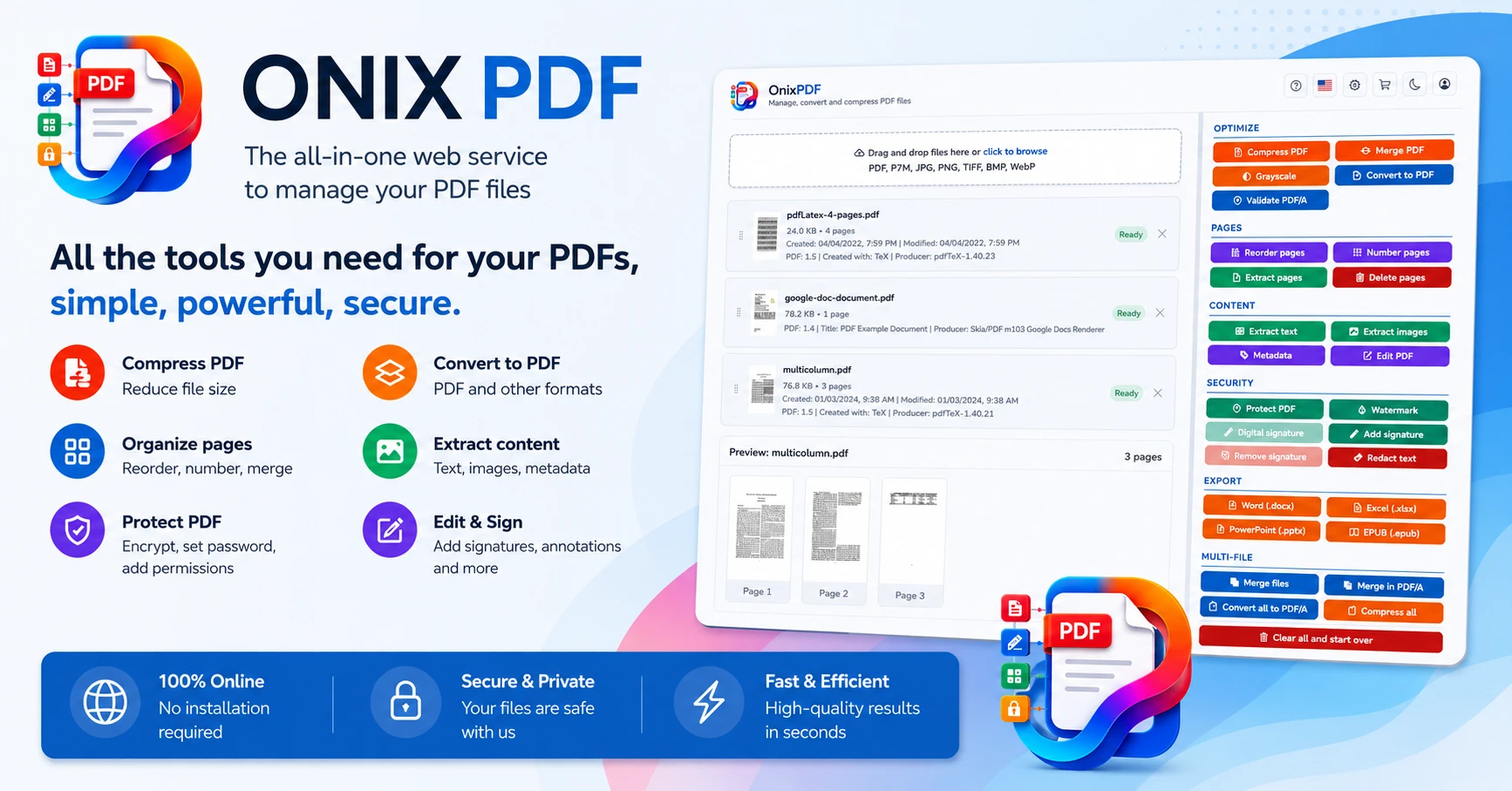
Onix PDF is a browser-based, all-in-one PDF toolkit. Merge, split, compress, convert, rotate, reorder, extract pages, add watermarks and page numbers, unlock secured files, add and verify digital signatures, run OCR — all from one interface, no installation, on any device.
It's built for the person who doesn't want a relationship with their PDF software. Open the browser, do the task, close the tab.
What's broken about the alternative
The usual PDF workflow is a scavenger hunt. You need to merge files, so you search "merge PDF," click the first result, and land on a site plastered with ads that may or may not keep your document afterward. Next week you need to convert one, and you do the whole search again — different site, different interface, same uncertainty about where your file just went.
The desktop alternative is heavier: install a full PDF suite for the one feature you need twice a month, then watch it nag for updates and renewals in the background forever.
Neither option is built for how PDF work actually happens — rarely, urgently, and across a dozen different small tasks that have nothing in common except the file format.
Onix PDF consolidates them. One place that does all of it, runs in the browser, handles files securely, and includes the professional pieces (PDF/A conversion, digital signature checks) that the free single-purpose sites usually don't.
How it works
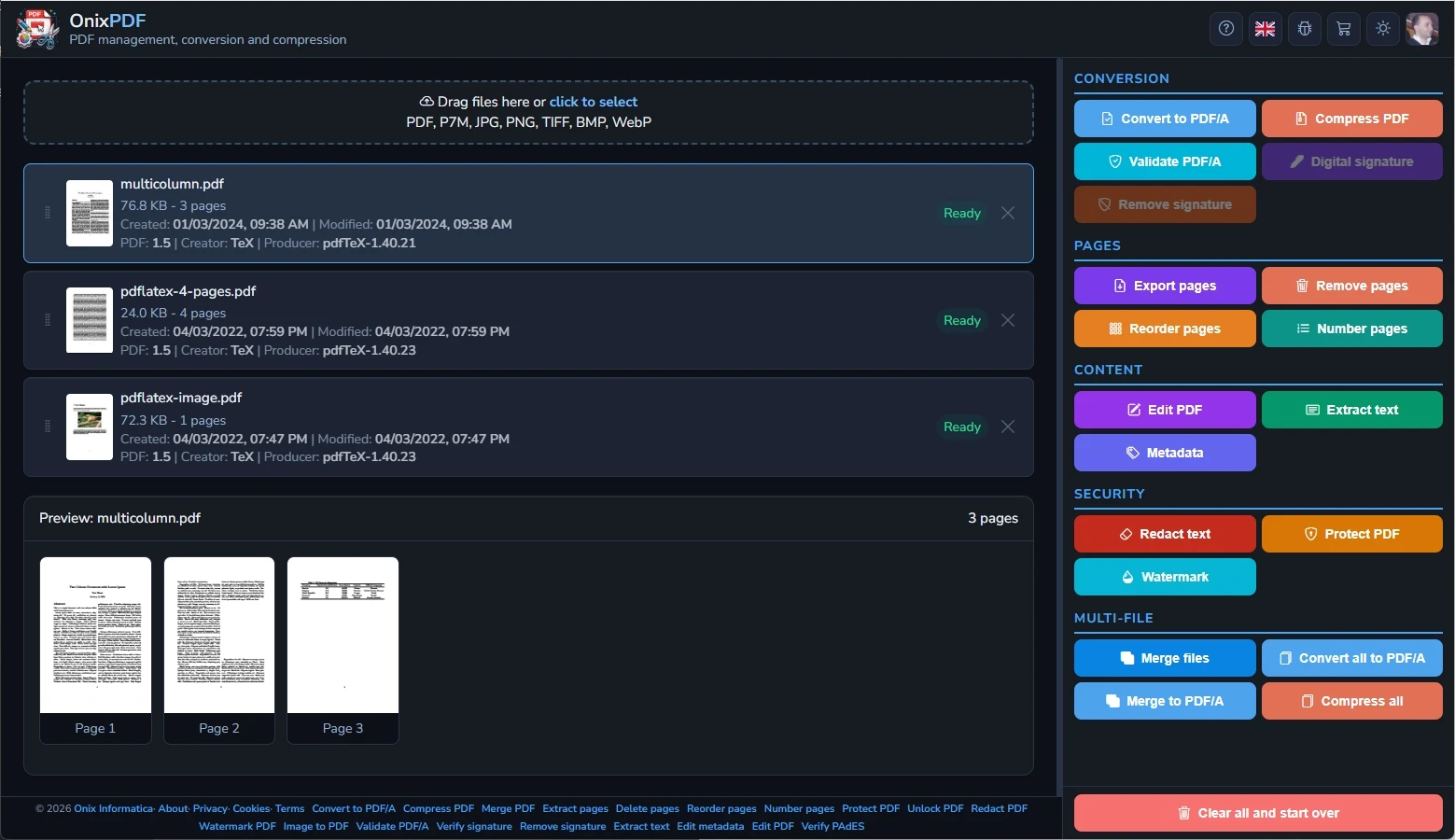
The full toolkit in one place — Merge, split, compress, convert (to and from Word, JPG, PNG, and more), rotate, reorder, extract pages, add watermarks and page numbers. The everyday operations, all in one interface.
Professional tools included — OCR on scanned documents, PDF/A conversion for archiving, digital signature adding and verification, and unlocking secured files where permitted. Not just the basics.
Browser-based, any device — No software to install. Works on Windows, Mac, Linux, tablets, and phones through high-speed cloud processing.
Security and privacy first — Built around secure file handling, so the document you upload isn't the price of the conversion.
Multilingual — Available in multiple languages (Minions included, if you're so inclined).
Who this is for
Students, freelancers, office teams, teachers, designers — anyone who hits a PDF task a few times a week and would rather not install software or trust a new random website each time. People doing legal, administrative, or document-heavy work who need the professional tools, not just merge-and-split.
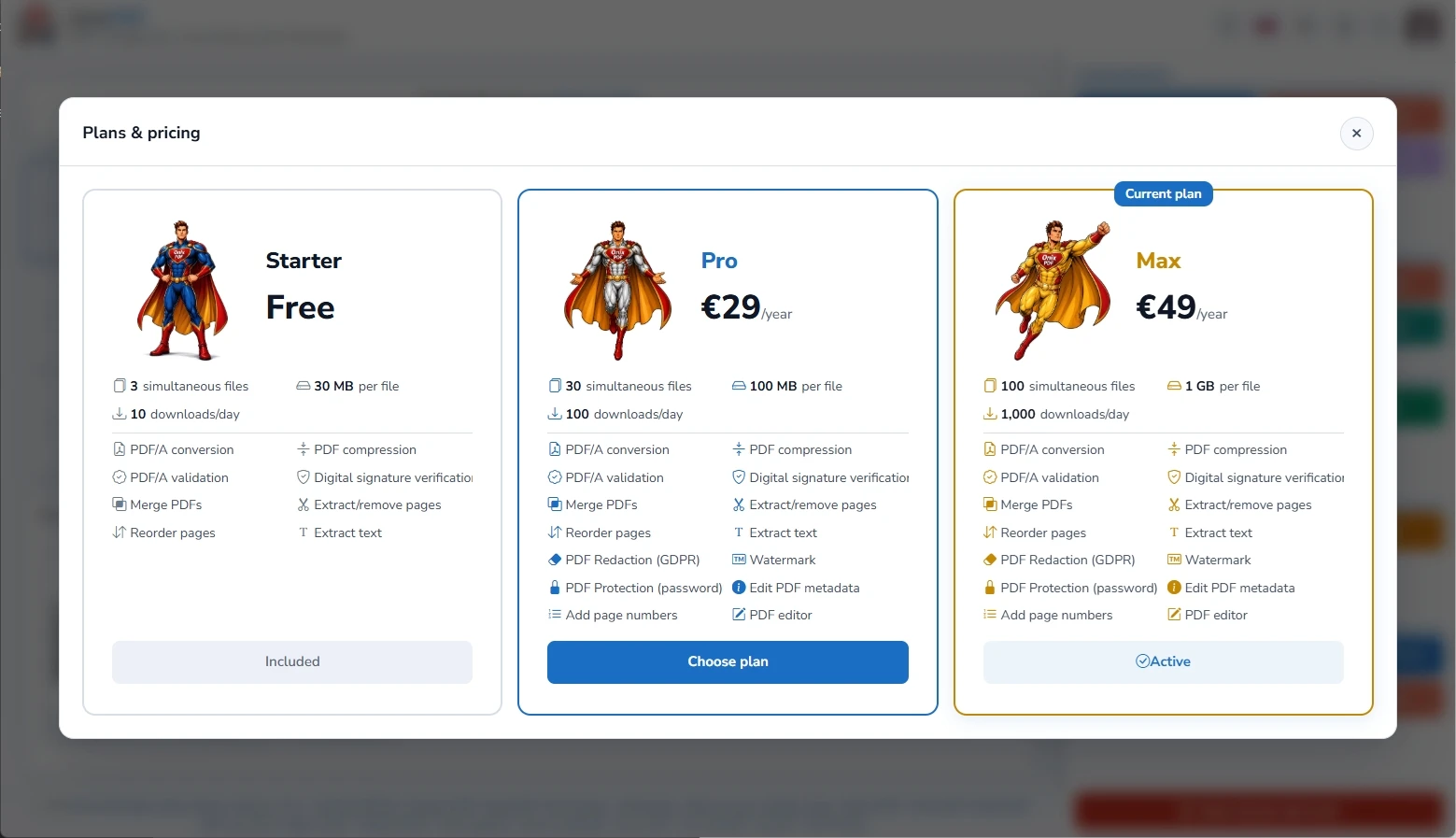
Onix PDF is freemium — the core tools are free, with more available on paid plans.
Try it
Open Onix PDF — or see the Onix PDF listing on ShipBoost for category context.