Whisperstream: Local-Only Voice Dictation for Windows, $29 Once
You think at the speed of speech and type at a fraction of it. Typing caps you around 40–60 words a minute; you talk at 150. The idea is fully formed in your head and then it dribbles out through your fingers, half of it fading in the gap. Every developer drafting a commit message, every professional firing off email, every writer staring at a blank doc knows the lag.
Dictation should fix this. The reason most people don't use it: the good tools want a subscription and a round-trip to someone else's cloud for every word you say.
Whisperstream removes both objections.
What Whisperstream does
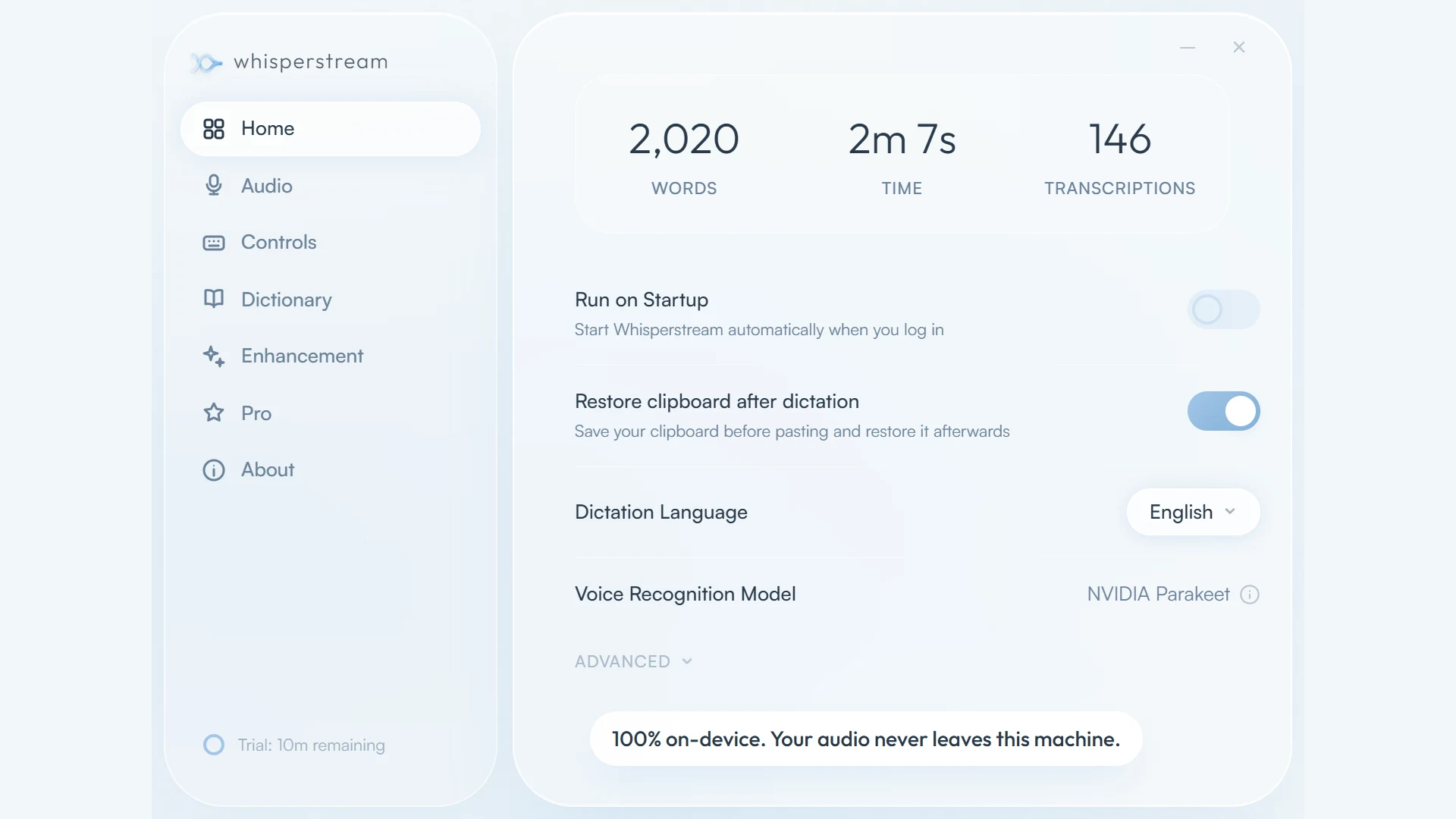
Whisperstream is a Windows-native dictation app that runs 100% on your PC. You press a push-to-talk hotkey, speak, and the transcribed, punctuated text pastes into whatever window has focus — your IDE, your email, your notes, Slack. Transcription happens locally on the CPU. Audio never touches the network.
It's a one-time $29 purchase. No account, no subscription, no cloud.
What's broken about the alternative
The dictation market has settled on two models, and both ask for something most people don't want to give.
The first is the subscription cloud tool. Accurate, but it streams your voice to a server, charges you monthly forever, and stops working the day you stop paying. For anyone in a privacy-sensitive field — legal, healthcare, defense — that cloud round-trip isn't an inconvenience, it's a compliance failure. You simply can't dictate a privileged document into someone else's data center.
The second is the built-in OS dictation, which is free but mediocre, and often phones home anyway.
The thing nobody was shipping: dictation that's genuinely good, runs entirely on the machine, and isn't a rental. Whisperstream is built around that gap. NVIDIA's Parakeet model runs entirely in your computer's memory — microphone in, text out, audio discarded from RAM. The only network calls it ever makes are for license verification and app updates. Nothing to leak, nothing to log, no data to sell.
How it works
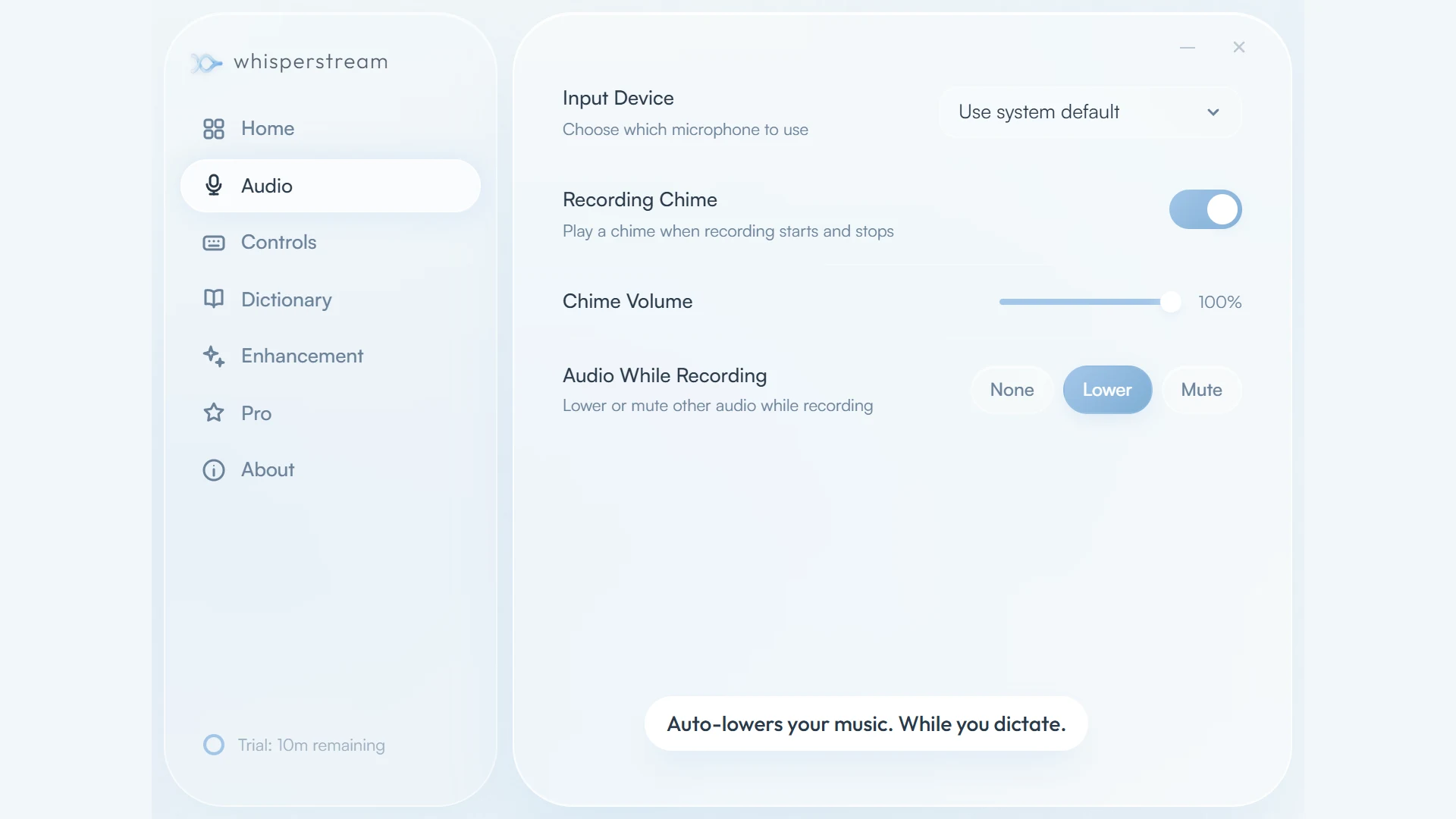
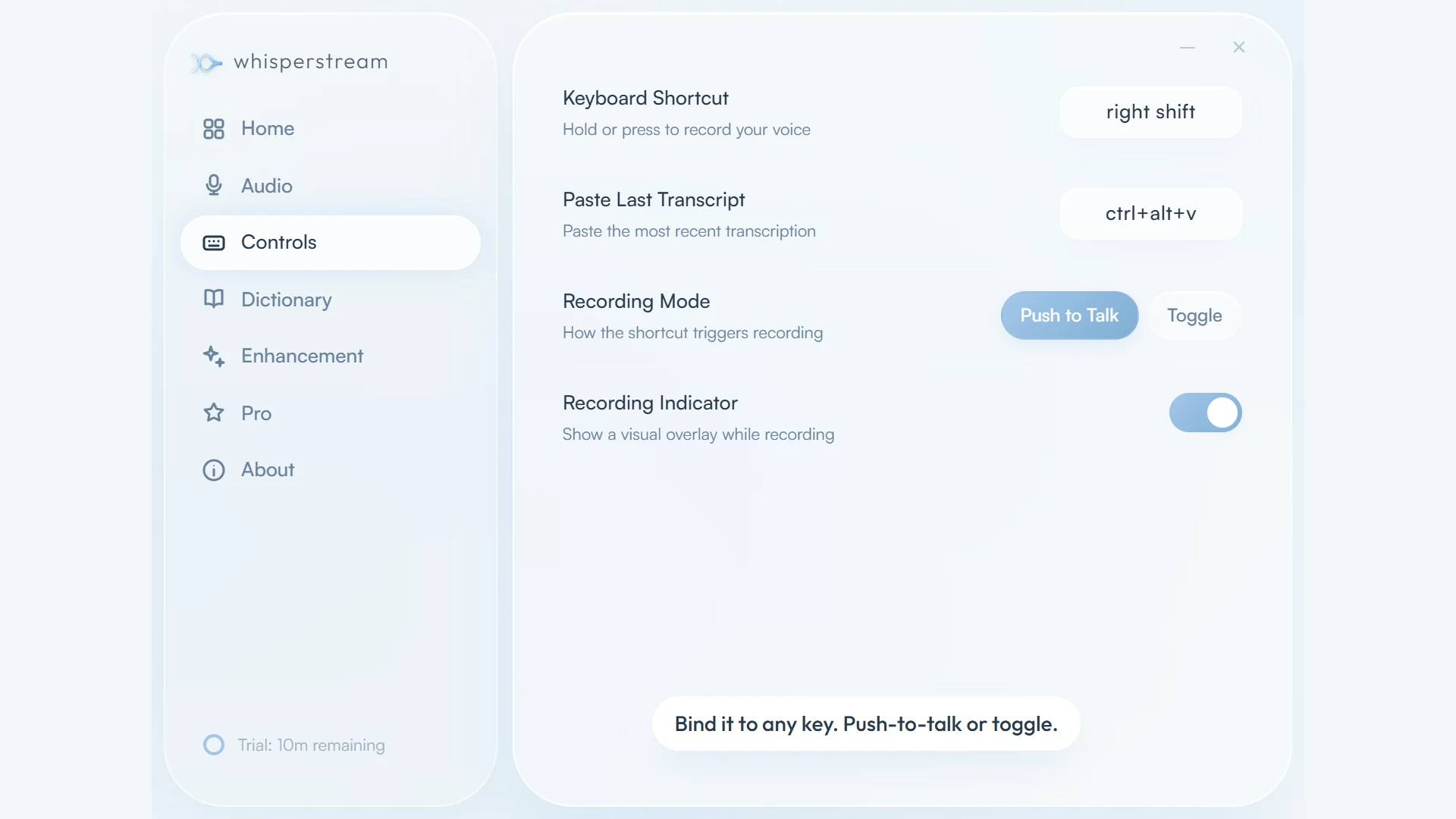
Push-to-talk into any window — Bind a hotkey (push-to-talk or toggle mode, any key). Speak, and the text lands wherever your cursor is — Word, Outlook, Slack, VS Code, the browser.
100% local, on-CPU — Transcription runs via NVIDIA Parakeet TDT v3 on ONNX Runtime, entirely in RAM. No GPU required. No network calls during dictation.
One-time $29, all features — No tiers, no subscription, no expiration. Lifetime updates and a 30-day money-back guarantee. A 10-minute free trial on first install, no account or card needed.
Built for real work — Custom word replacements for jargon, names, code, and acronyms. Auto-lowers your music while you dictate. 25 languages supported.
Who this is for
Windows "vibe coders" dictating into Cursor, Claude Code, or VS Code. Privacy-critical professionals in legal, healthcare, and defense who can't send audio to the cloud. Accessibility and RSI users who rely on voice. Writers and academics who think faster than they type.
Requirements: Windows 10 or 11 (64-bit), 8 GB RAM minimum (16 GB recommended), a modern CPU (Intel 8th-gen+ or AMD Ryzen 3000+). No GPU needed.
Try it
Get Whisperstream — or see the Whisperstream listing on ShipBoost for category context.