Build Mode: A One-Button Time Tracker for Mac That Never Watches You Work
Most time trackers ask for a trade that quietly feels wrong. To prove you did the work, you hand over screenshots of your screen, a log of every keystroke, or a browser history the app "just" needs for context. The tracking works, but it feels like being watched — and the moment it feels like surveillance, you stop wanting to open it.
Build Mode tracks the one thing that actually matters — focused hours — and nothing else.
What Build Mode does
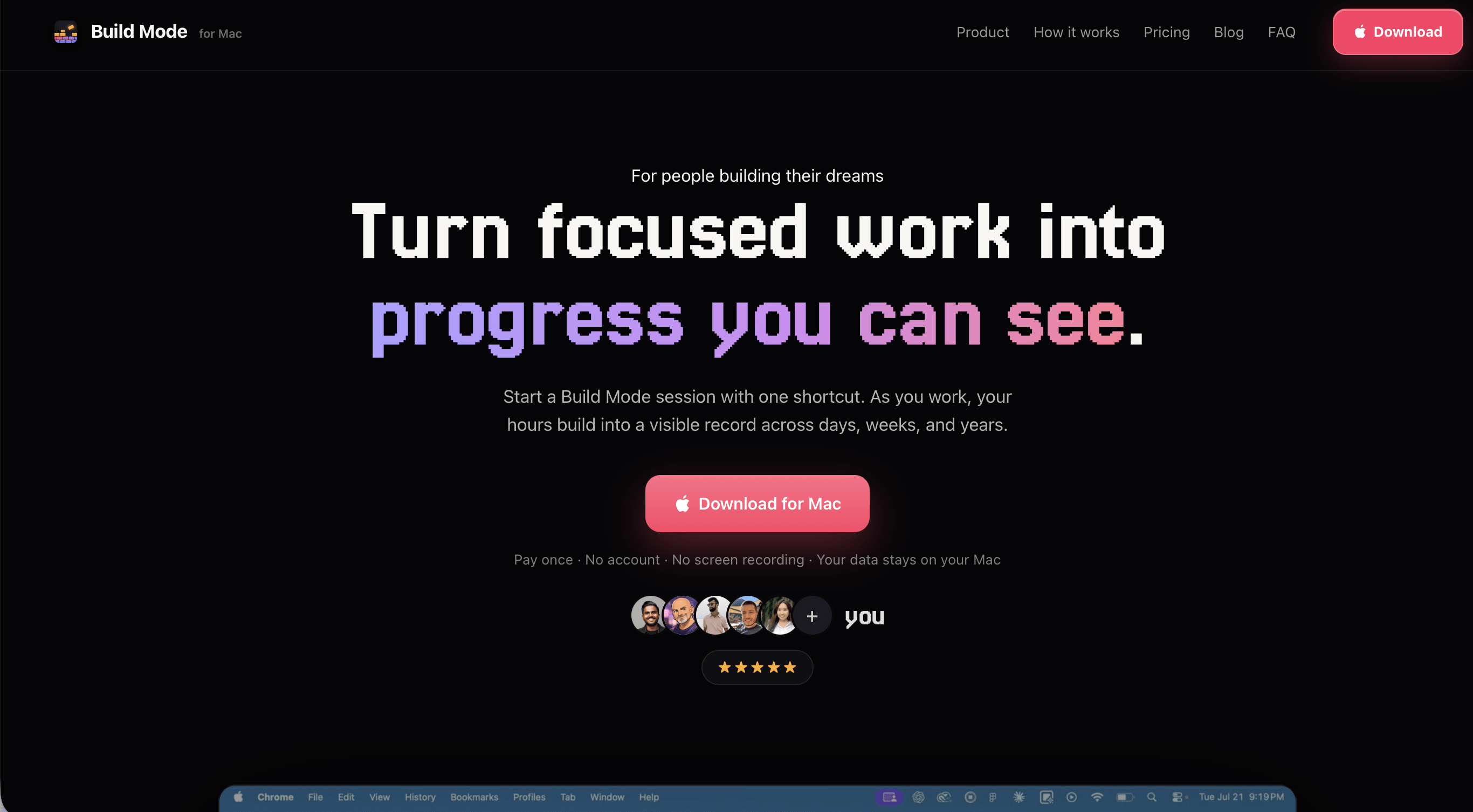
Build Mode is a native Mac focus app that turns focused work into progress you can actually see. Press ⌘⌥B to start a session, and a timer runs quietly in your MacBook's notch — "counting · 24 min" while you're active, "paused · away 12 min" the moment you step away. It removes idle time automatically, so the number you end up with is real working time, not wall-clock time with your laptop open.
Hours are organized by category — Build, Design, Marketing, Distribution, Founder Ops, Video Creation, or modes you define yourself — and accumulate across days, weeks, and years so you can see how your time is actually being spent, not just today but over the long run.
No screenshots. No keystrokes. No browser history. Your data stays on your Mac; there's no account and no cloud.
What's broken about the alternative
Most time-tracking tools are built for someone else to verify your hours — a client, a manager, a team lead. That means the product has to prove the work happened, which means screenshots, activity logs, and keystroke counts: evidence aimed outward. If you're tracking your own focus, none of that evidence is for you, and all of it costs you the sense that your Mac is still yours while you work.
The tools built for personal focus tend to swing the other way — a simple start/stop timer with no memory beyond today, no sense of a body of work accumulating, nothing to look back on. You get a number for the session and lose it the moment you close the app.
Build Mode is built for the person doing the tracking, not an observer. It skips every form of surveillance entirely, and it keeps the history — categorized, totaled, and visible across days, weeks, and years — so the hours you put in actually add up to something you can see.
How it works
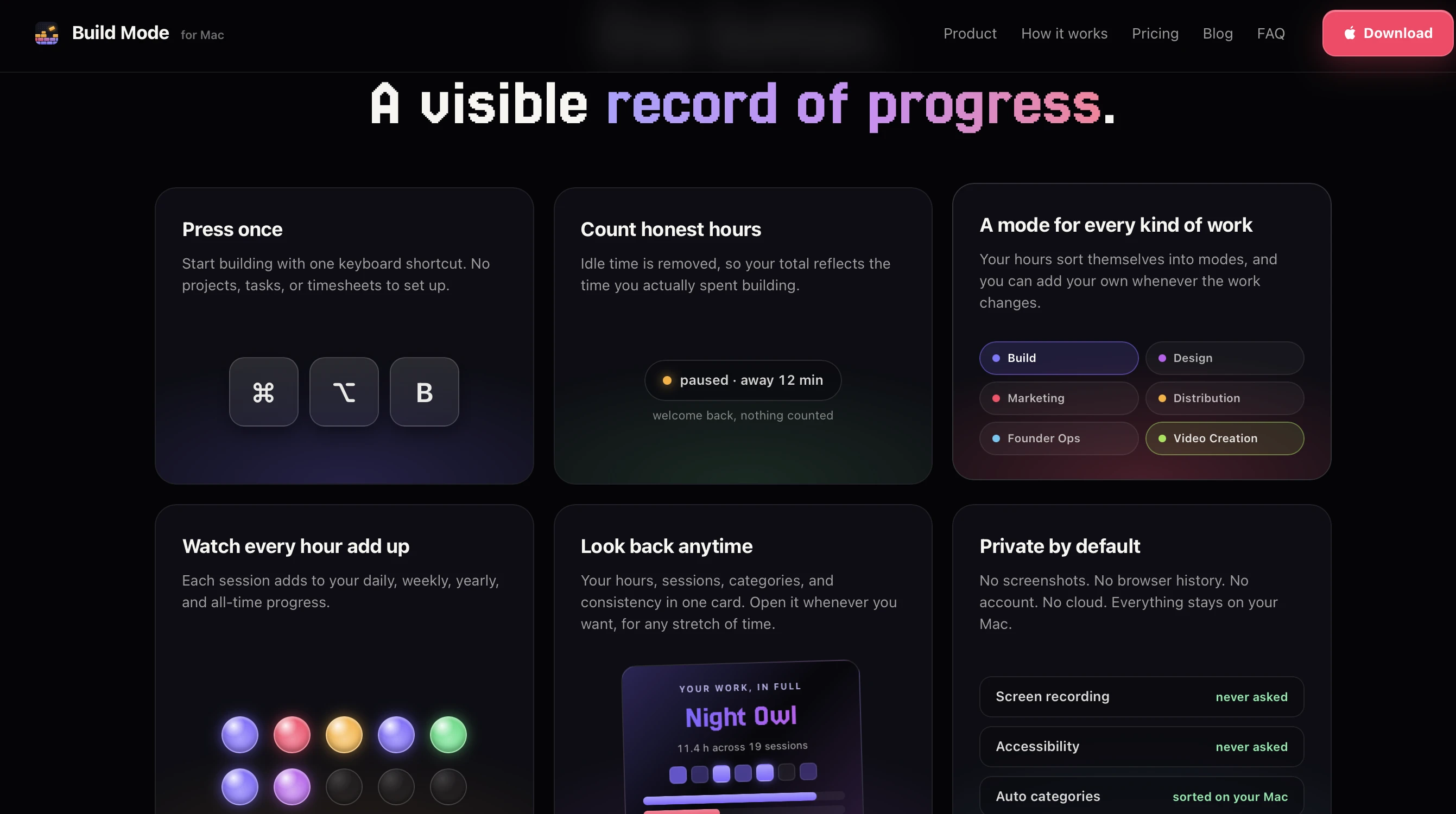
One shortcut to start — ⌘⌥B starts a session. The timer lives in the notch, showing active time and automatically distinguishing it from time you've stepped away.
Idle time removed automatically — The count only reflects time you were actually present and working, not time your Mac happened to be open.
Categorized hours — Sort sessions into built-in categories like Build, Design, Marketing, Distribution, Founder Ops, and Video Creation, or create your own as your work changes.
Long-term goals — Hours accumulate across days, weeks, and years, so progress on a goal is visible over the timeframe that actually matters, not just in a single session.
Weekly reflections and Build Cards — Get a visual weekly reflection on your focused time, and generate a shareable Build Card for any stretch of time — total hours, session count, work-mode breakdown, and consistency, ready to share.
Fully private by design — No screenshots, no keystrokes, no browser history, no account, no cloud. There's no networking code for any of that — it's not disabled, it isn't there.
Who this is for
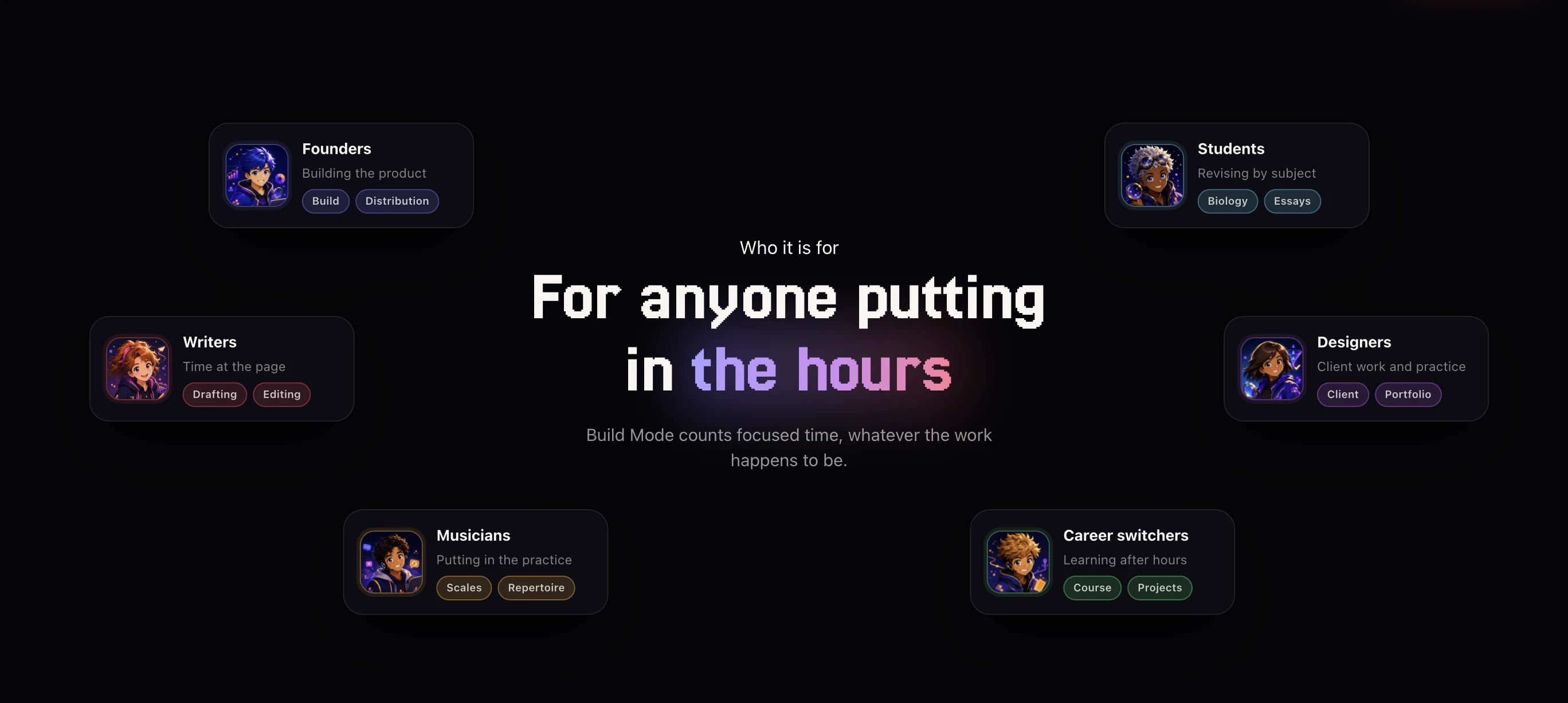
Founders, students, writers, designers, musicians, and anyone doing deep, self-directed work who wants to see their focused hours add up over time — without handing over screenshots or activity logs to get there. People who've tried a start/stop timer and lost interest because it had no memory beyond the session, and want something built for their own long-term record instead of someone else's audit.
Build Mode requires macOS 14 or later on Apple Silicon or Intel. It's a one-time purchase of $29 — the early builder price — with no subscription and no monthly charges.
Try it
Get Build Mode — or see the Build Mode listing on ShipBoost for category context.