
XLSX: Find the Broken Formulas Excel Won't Tell You About
A spreadsheet can be wrong for months and look completely fine. A formula reference breaks when a row gets deleted three sheets over. A number gets typed in as text and silently drops out of a SUM. A sheet gets hidden during a cleanup and nobody remembers it's still driving a calculation somewhere. Excel doesn't warn you about any of it — the workbook just keeps producing numbers, some of them wrong, with no red flag anywhere.
XLSX exists to find those problems before they show up in a report someone trusted.
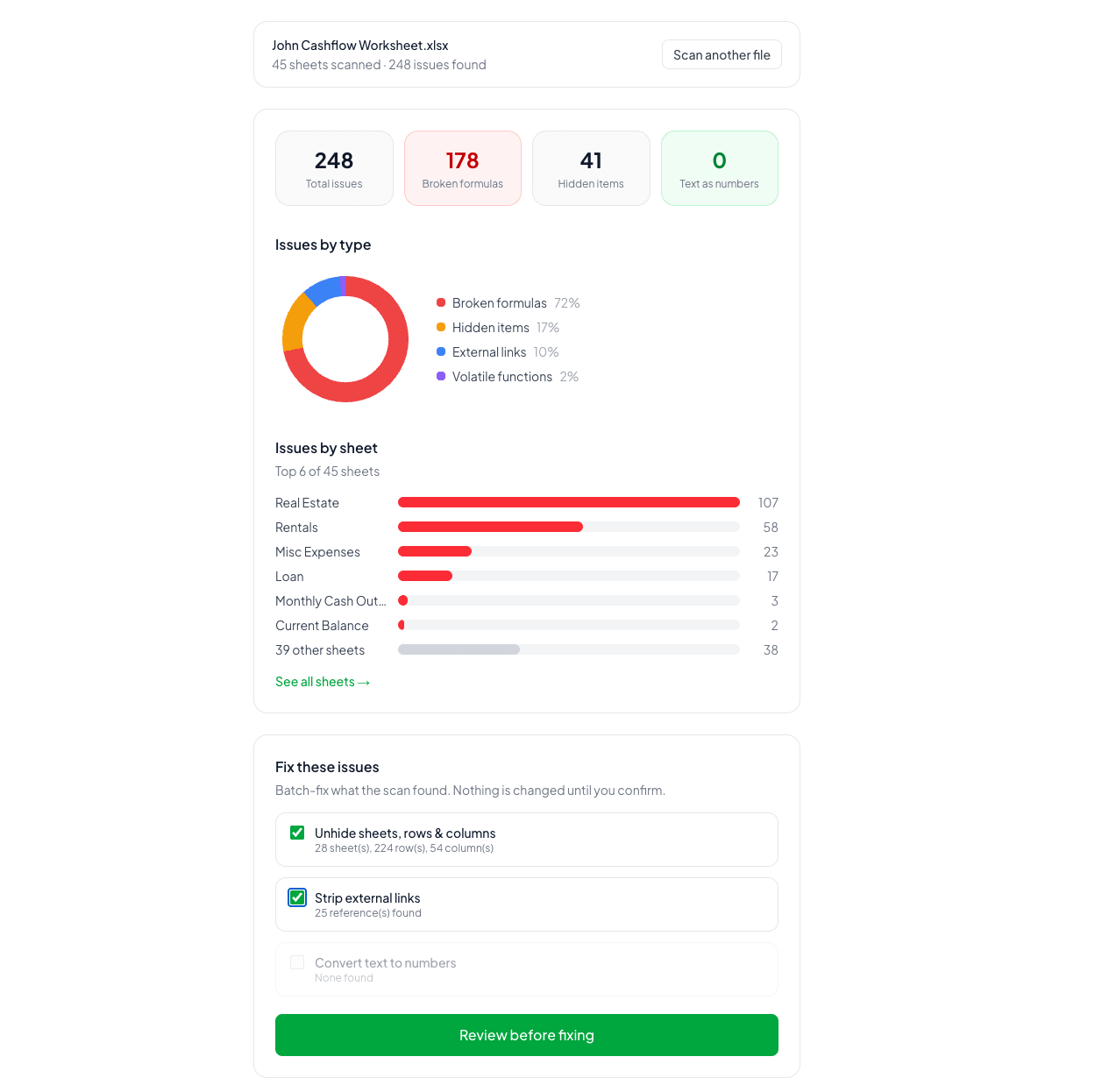
What XLSX does
XLSX scans an Excel spreadsheet for the errors Excel itself won't surface: broken formula references, numbers stored as text that quietly break SUM, AVERAGE, and lookup functions, hidden sheets, rows, and columns, external links to other workbooks that can go stale, and volatile functions like NOW() and INDIRECT() that slow down recalculation. It reports exact cell locations for each issue, and on the Pro plan, fixes them in one click with a preview before anything changes.
The whole thing runs in your browser. Your file is never uploaded anywhere.
"I found many spreadsheets with old, broken formulas. No one had noticed the errors. I wanted a tool to find these errors fast. So I built XLSX." — Founder
What's broken about the alternative
The standard way to check a spreadsheet for problems is to open every sheet and look — scanning formulas by eye, hunting for anything that seems off, hoping a broken reference or a hidden sheet happens to catch your attention. On a small file that's tedious. On a real working file with dozens of sheets and years of edits, it's not realistic, so it usually just doesn't happen until a number is visibly wrong in front of someone important.
Excel's own error-checking catches syntax problems, not silent ones. A formula that references the wrong cell, a number typed as text, a sheet someone hid two years ago — none of that trips a warning. The spreadsheet looks healthy right up until the total is wrong and nobody can say why.
XLSX runs the check that nobody has time to do by hand, and does it in seconds instead of an afternoon. It doesn't just flag that something's wrong — it points at the exact cell, and on Pro, offers to fix it directly.
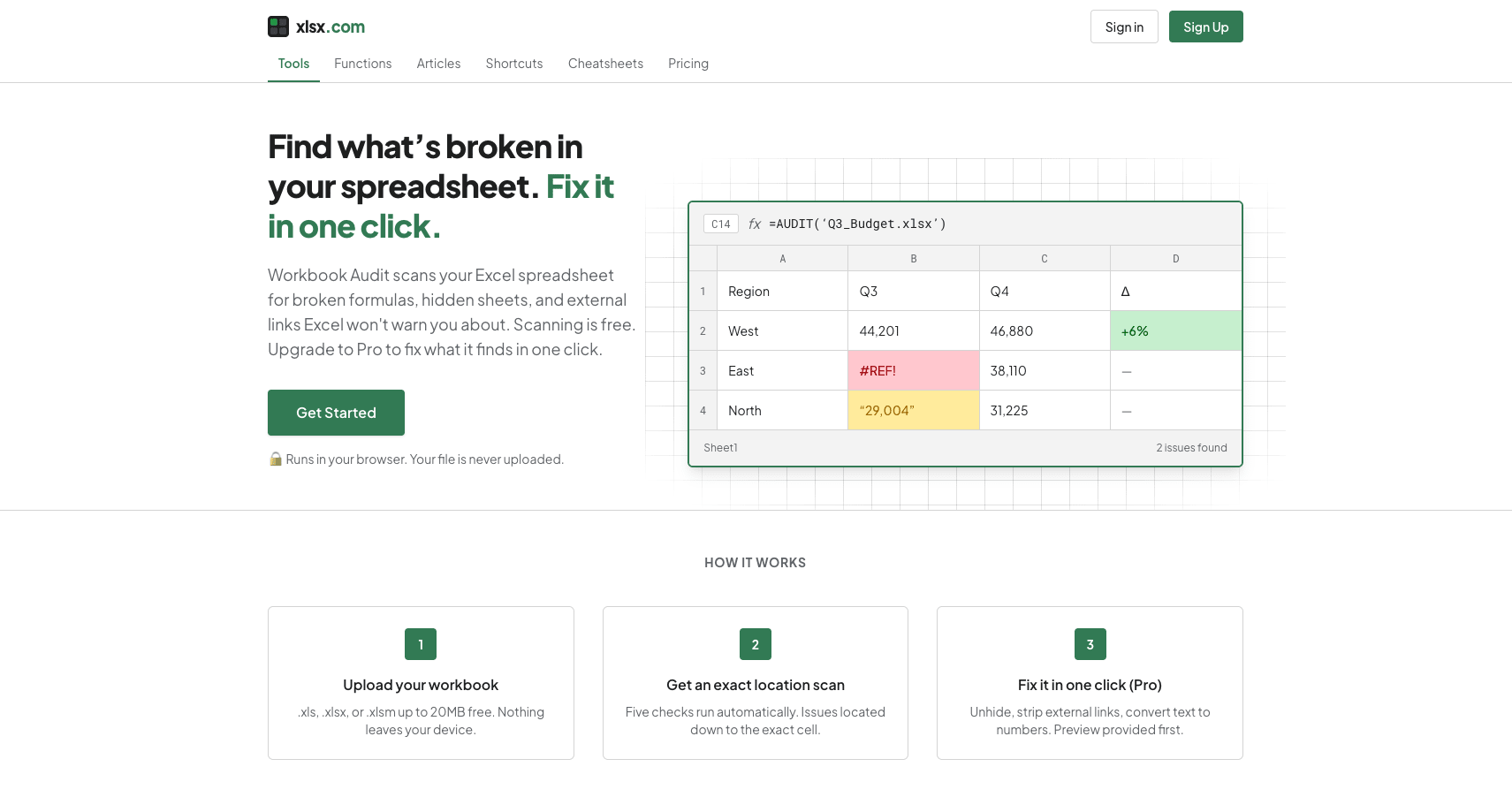
How it works
Five automated checks — Broken formula references, numbers stored as text, hidden sheets/rows/columns, external links to other workbooks, and volatile functions that slow recalculation.
Exact cell locations — Every issue is reported with where it actually is, not just that something's wrong somewhere in the file.
One-click fixes with preview — On Pro, unhide elements, strip external links, or convert text to numbers, with a preview before the change is applied and a CSV export documenting what changed.
Runs entirely in your browser — Your file is never uploaded to a server. The analysis happens client-side, which matters for anyone working with sensitive financial or business data.
Works with .xls, .xlsx, and .xlsm — Covers the formats most real-world workbooks are actually saved in.
Who this is for
Expert Excel users, analysts, and spreadsheet-heavy small teams making real decisions off the numbers in their workbooks — not a general productivity tool, but a diagnostic built for people who already know their way around a spreadsheet and want to trust what it's telling them.
Free: unlimited scans up to 20MB, exact cell locations, and counts of hidden elements. Pro is $9/month: adds one-click fixes with preview, detailed hidden-item locations, CSV export of changes, and a 50MB file limit.
Try it
Scan your spreadsheet with XLSX — or see the XLSX listing on ShipBoost for category context.